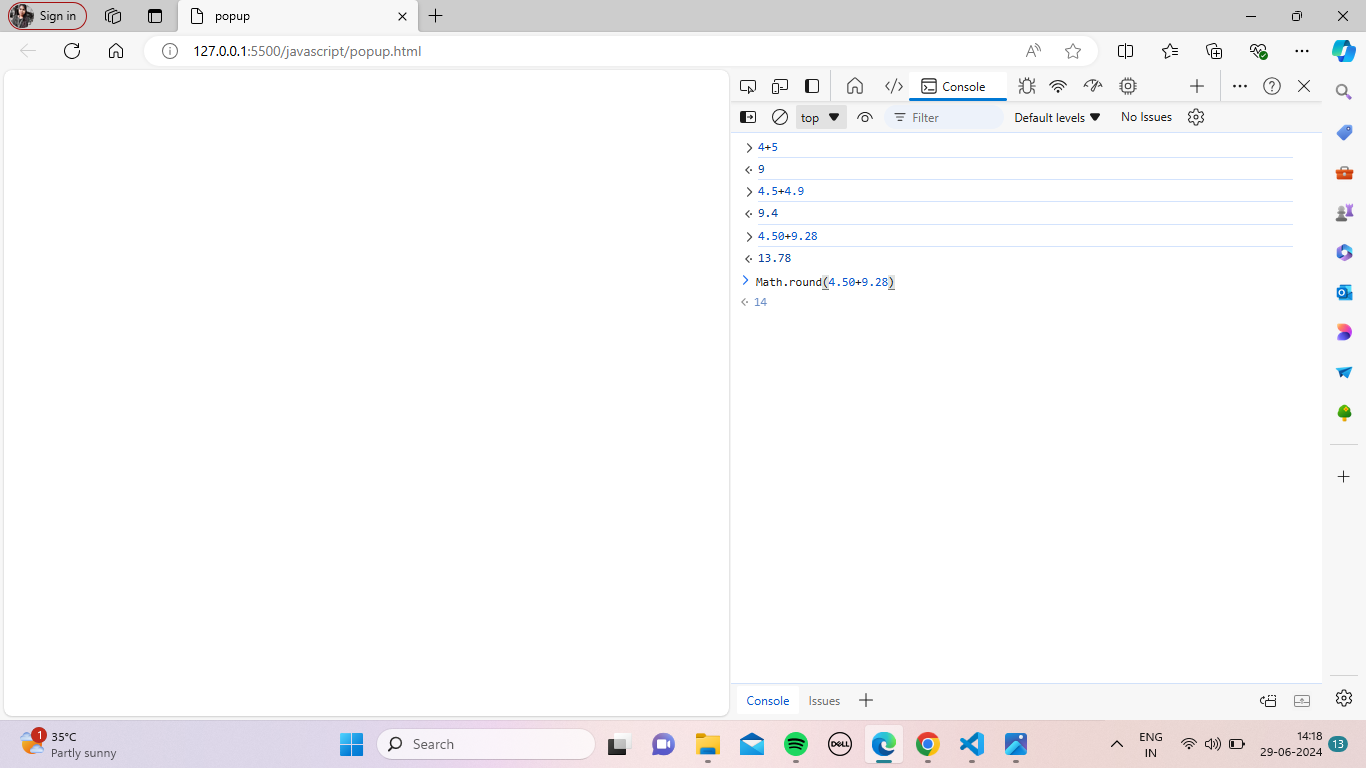
As you see above, I typed out this code inside the console. So, how do you get to the console? Simply go to the website you built, right-click, and a small window will open. At the bottom, you will see "Inspect." Click on it, and a page like the one above will open. Click on the "Console" tab at the top right to see the console panel.
In the console, we can solve any kind of math problems. Now, why are we using the Math.round() function? When we calculate two numbers, if the result is a decimal, we want it as a rounded value. So, we use this function. The syntax is:
Math.round();
If the decimal value is 0.5 or above, it will round up to the next whole number. If it's below 0.5, it will round down to the previous whole number.
About the author
Hi, I'm VaithegiV Frontend developer. B.Tech graduate with a passion for web development. Proficient in HTML, CSS, and JavaScript, I strive to create intuitive and visually appealing digital experiences. With expertise in Git and GitHub, I ensure efficient collaboration and version control in projects. My dedication to continuous learning drives me to stay updated with the latest trends in technology and design. I am eager to contribute my skills and creativity to innovative projects that push boundaries and deliver exceptional user experiences.
Comments
Join the discussionNo comments yet. Be the first to comment.

